
Learn coding by building real projects.
Create adaptable activities, guide students across Python, web, and block coding, and see where each learner needs help, all in one calm classroom workspace.
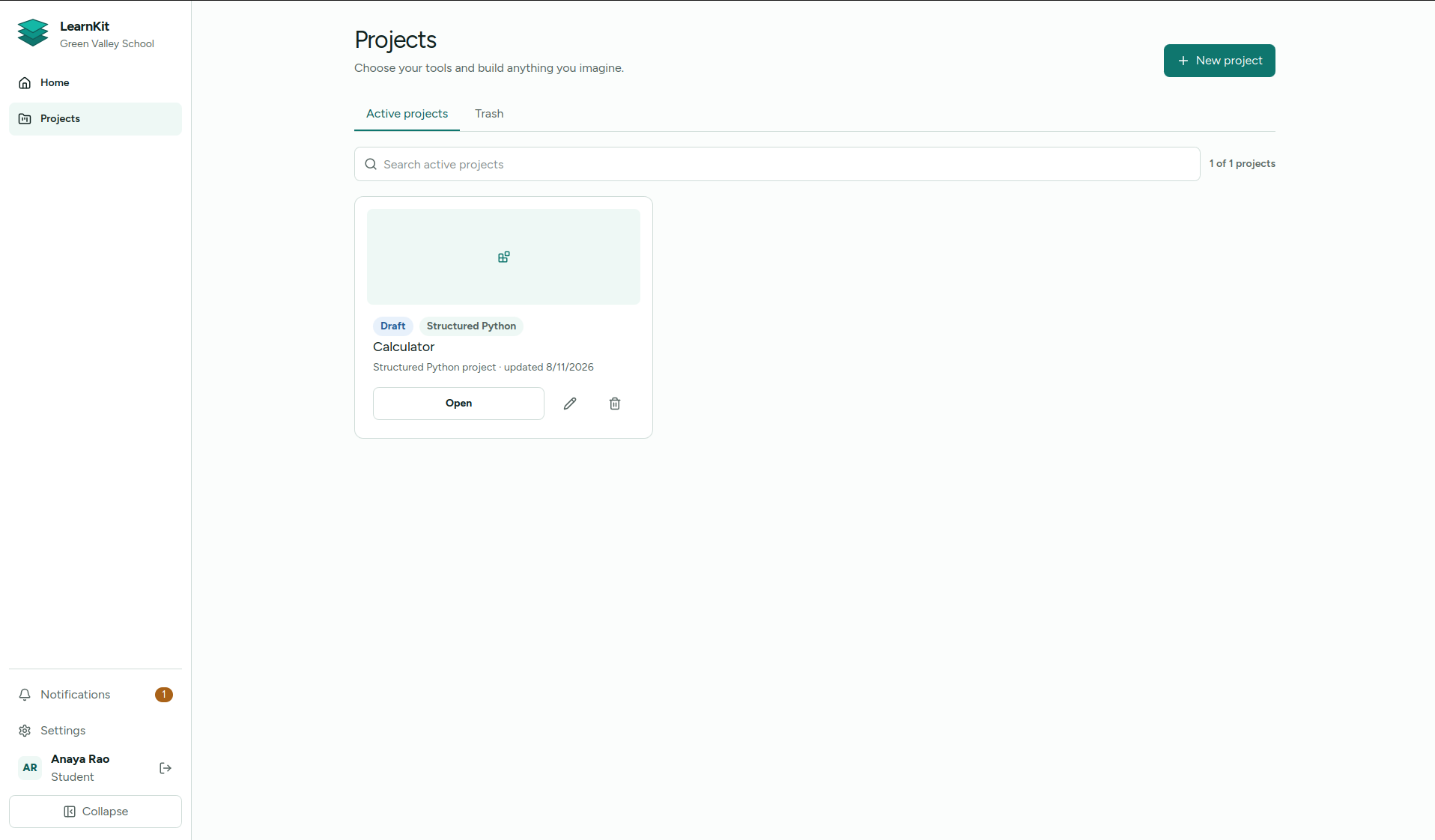
One clear place to explain, practise, and make.
Move from visual foundations to real Python and web projects without losing the lesson context around the work.
Workspace 1 / 4
Keep practical learning organised.
Bring projects, activities, and each learner’s next step into one clear home.
Workspace 2 / 4
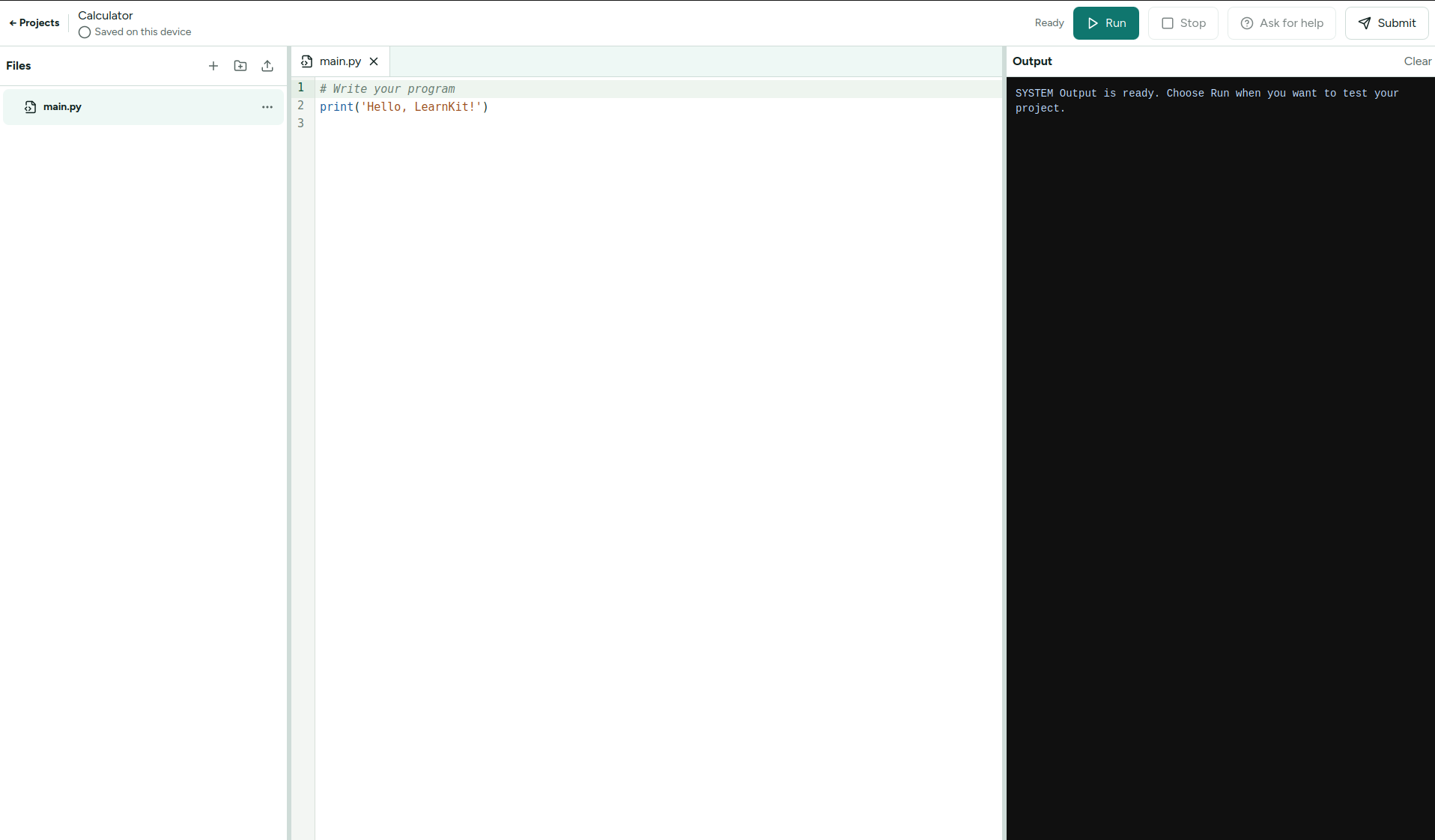
Write and run Python in one focused space.
Work beside clear instructions, run code, and understand the result without switching tools.
Workspace 3 / 4
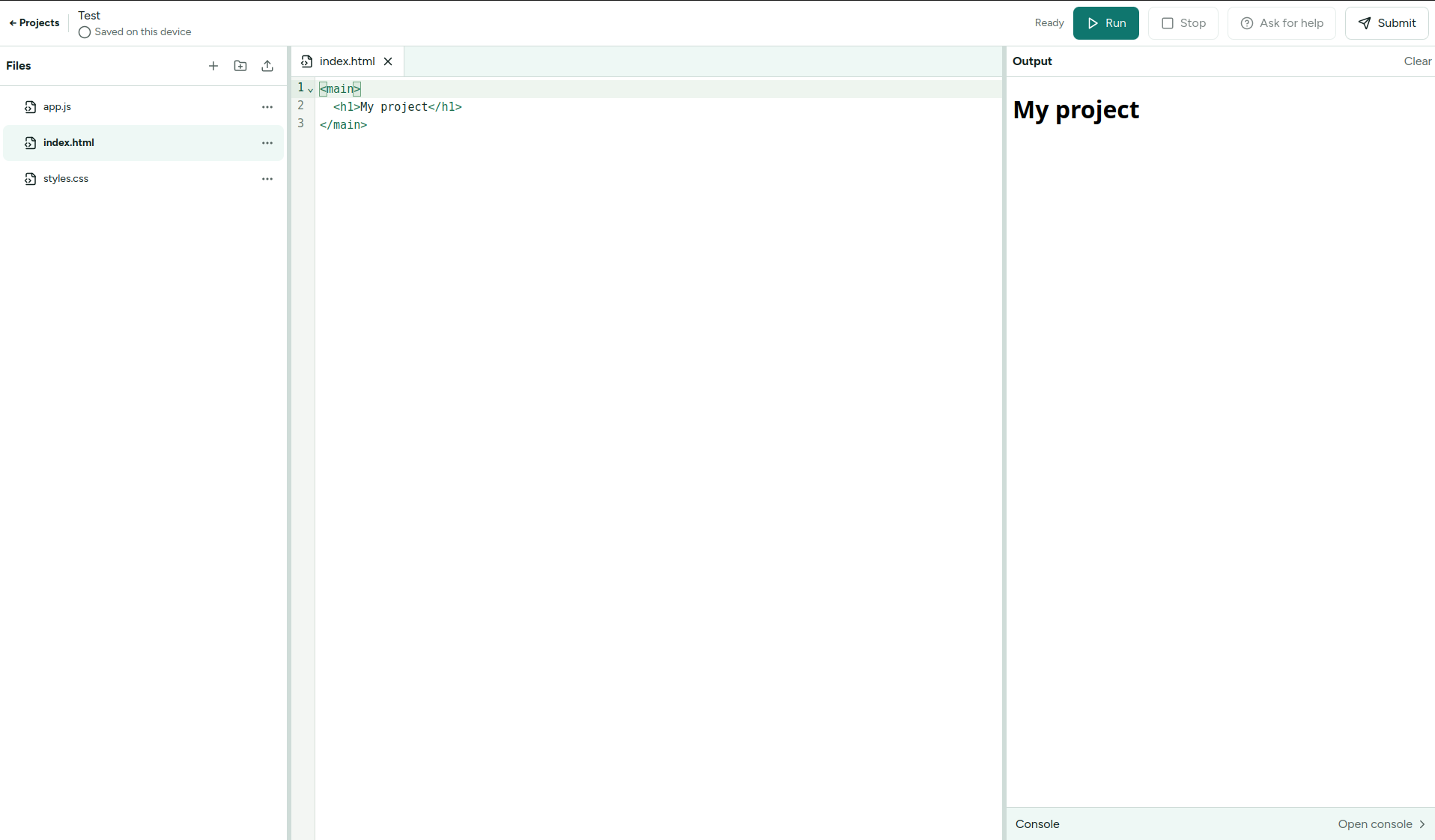
Turn web code into something visible.
Write HTML and see ideas take shape through practical, creative projects.
Workspace 4 / 4
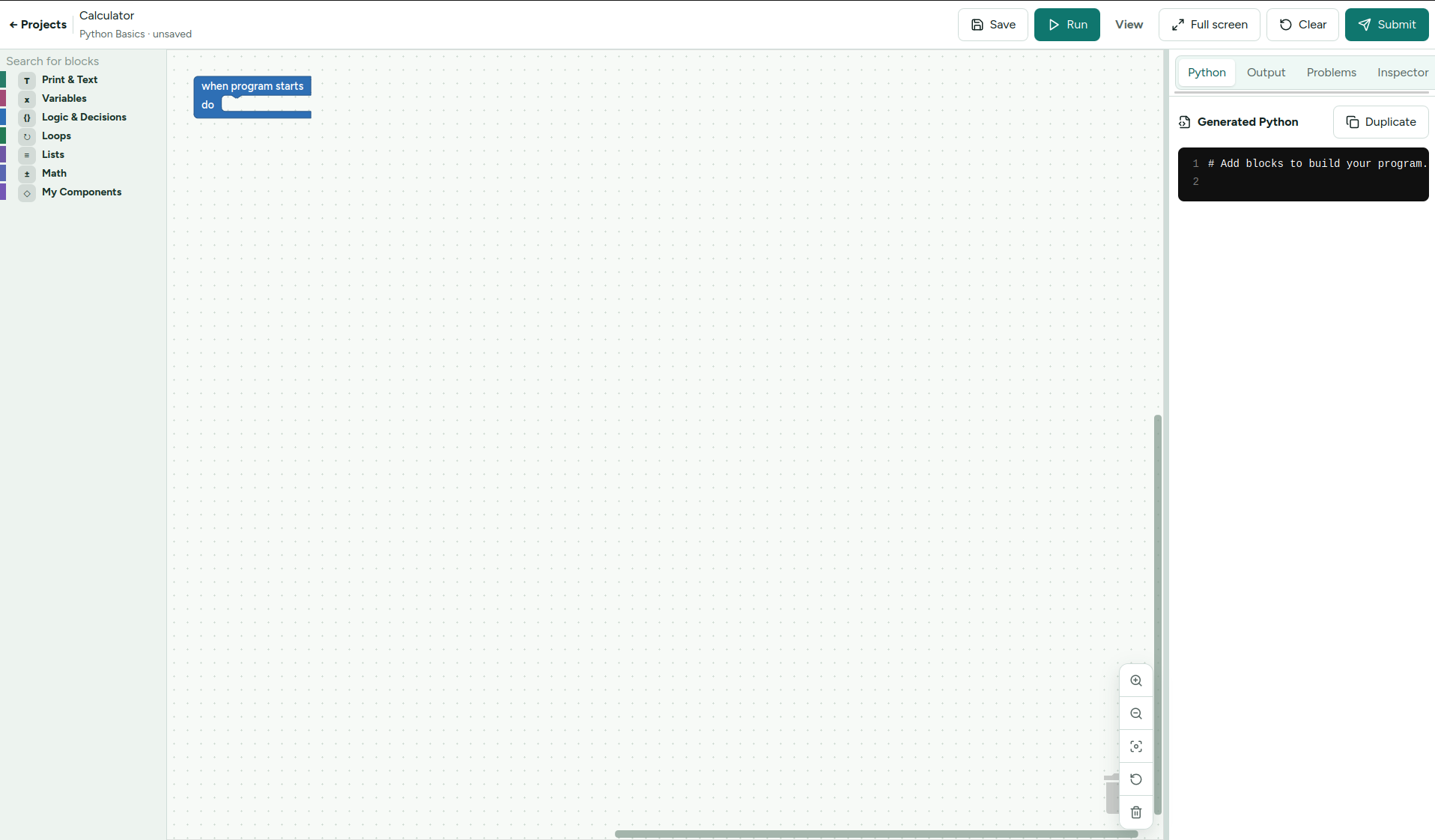
Begin visually. Build programming confidence.
Make programming concepts tangible before moving to text-based code.
From lesson idea to useful insight.
Plan, teach, and review in one clear classroom loop.
- 01
Plan
Choose or adapt an activity for your class.
- 02
Teach
Guide practical work and respond to help requests.
- 03
Review
Understand progress and decide what comes next.
Know what the class is doing and what to do next.
See where help is needed
Guide work in context
For schools and colleges
Build practical computing around your learners.
Bring project-based coding into your classroom with a focused workspace for teachers and learners.
Download LearnKit
LearnKit for your classroom.
Download LearnKit and start building real coding projects.
Available now
Linux
x86_64 · Latest release
Coming soon
Windows
Desktop installer
Coming soon
macOS
Universal desktop app
What schools often want to know.
Who is LearnKit for?
LearnKit is for teachers, students, schools, colleges, and practical computer-science learning environments.
What can students build with?
The current workspaces support block-based programming, Python, and web projects, giving learners several ways to move from an idea to a working result.